.jpg)
Augmented Reality (AR)
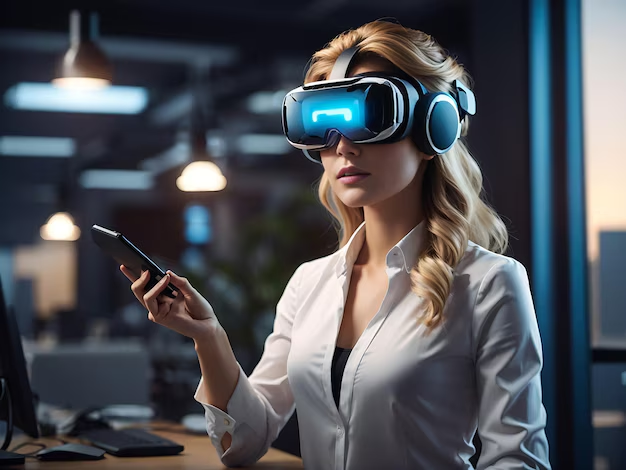
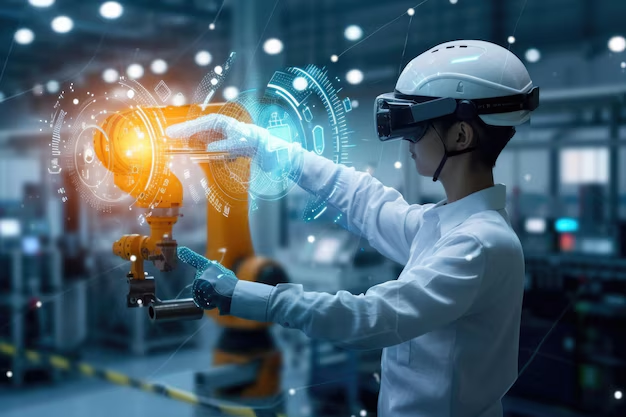
AR enhances our real-world environment with digital overlays, creating interactive experiences through mobile devices.
- AR overlays digital content, such as images, text, or 3D objects, onto the real world, enhancing a user's perception of reality.
- Users can still see and interact with their physical environment while experiencing digital enhancements.
- Example: Popular AR apps like Pokémon Go or Snapchat filters allow users to interact with virtual characters or effects integrated into their real surroundings.
.jpg)
Virtual Reality (VR)
VR creates immersive, computer-generated environments that can be explored and interacted with in a seemingly real way.
- VR creates a completely immersive digital environment that users can explore and interact with. Unlike AR, VR blocks out the real world and replaces it with a simulated one.
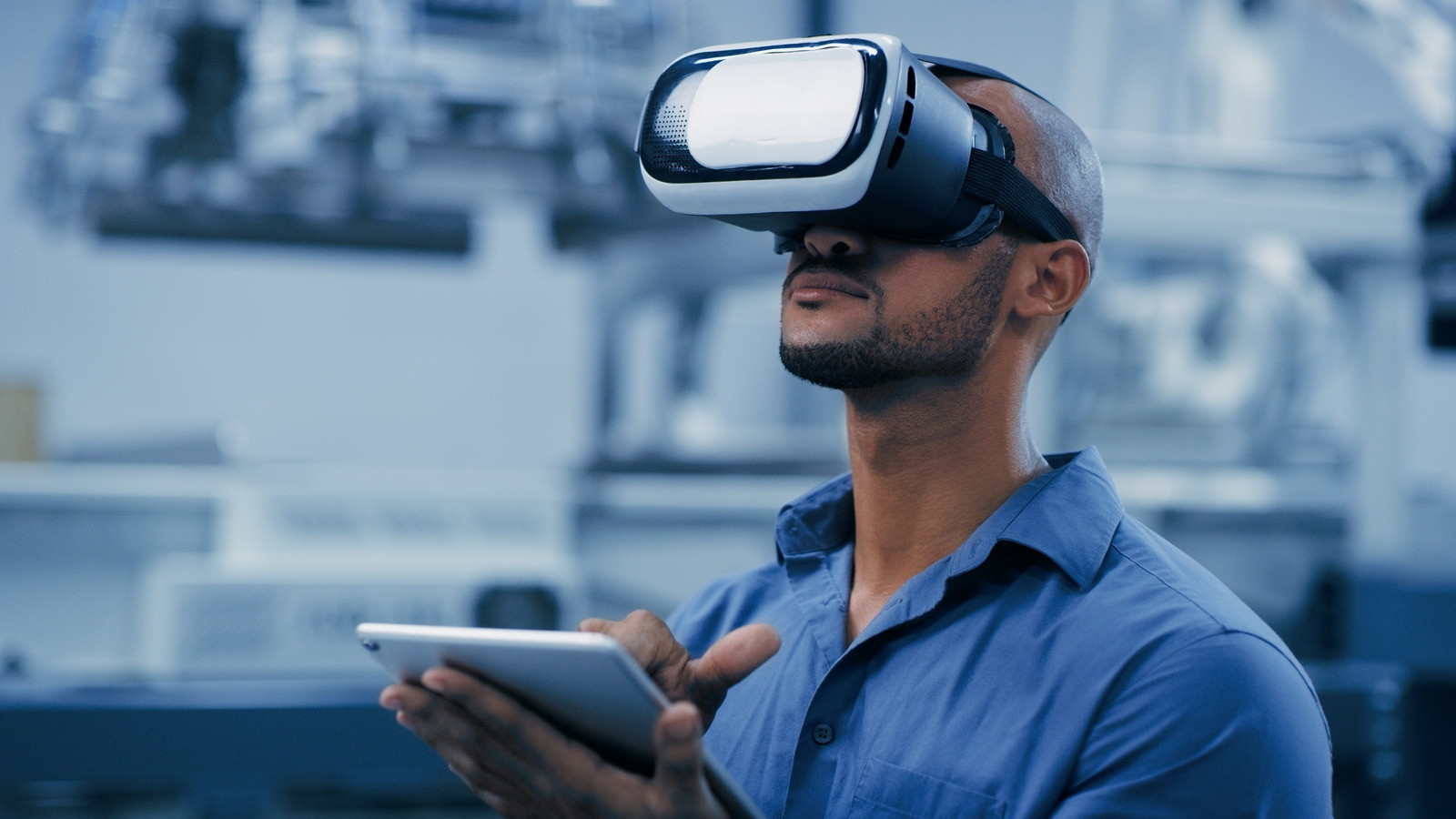
- VR often requires specialized headsets (e.g., Oculus Rift, HTC Vive) to immerse users fully, but mobile VR solutions (such as Google Cardboard or Samsung Gear VR) also exist.
- Example: VR games or applications like Google Earth VR allow users to be virtually transported to distant locations or entirely fictional worlds.
AR and VR in Mobile Devices
Modern smartphones are powerful enough to deliver compelling AR and VR experiences:
- AR: Using phone cameras and sensors for real-time object recognition and tracking
- VR: Utilizing phone displays and motion sensors for immersive experiences with mobile VR headsets
- Mixed Reality (MR): Combining elements of both AR and VR for unique interactive experiences
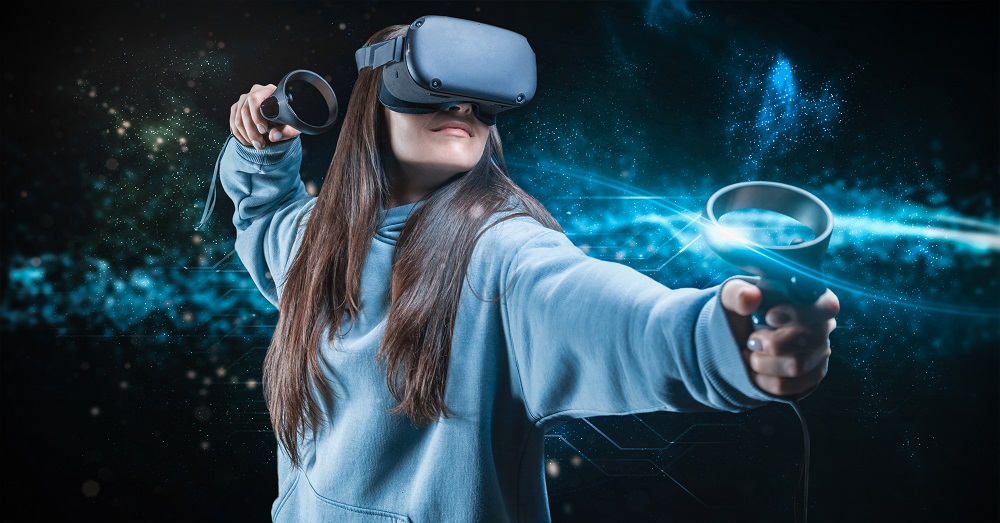
Future Trends
The future of AR and VR in mobile technology is bright, with developments in:
- 5G connectivity for more responsive and detailed AR/VR experiences
- AI integration for smarter and more context-aware applications
- Lightweight, stylish AR glasses for everyday use
- Haptic feedback technologies for more immersive interactions
Key Differences between AR and VR
| Feature | Augmented Reality (AR) | Virtual Reality (VR) |
|---|---|---|
| Environment | Real-world setting with digital overlays | Fully immersive, simulated environment |
| User Immersion | Partial - user remains aware of real surroundings | Full - user is completely immersed in virtual world |
| Hardware | Can use existing devices (e.g., smartphones) | Typically requires specialized headsets |
| User Interaction | Interacts with both real and virtual objects | Interacts solely with virtual objects |
| Primary Use Cases | Navigation, education, retail, social media | Gaming, training simulations, virtual tours |